

P1use-cards.jpg1200 × 1500 px · 4:5
Cards
Add video memories and messages to birthday cards, Mother's Day cards, anniversaries, holidays and other special moments.
Photos, cards, gifts, T-shirts and everyday objects can all hold a video. This is what that looks like with Magoo.
Point your phone at this image.


Add video memories and messages to birthday cards, Mother's Day cards, anniversaries, holidays and other special moments.
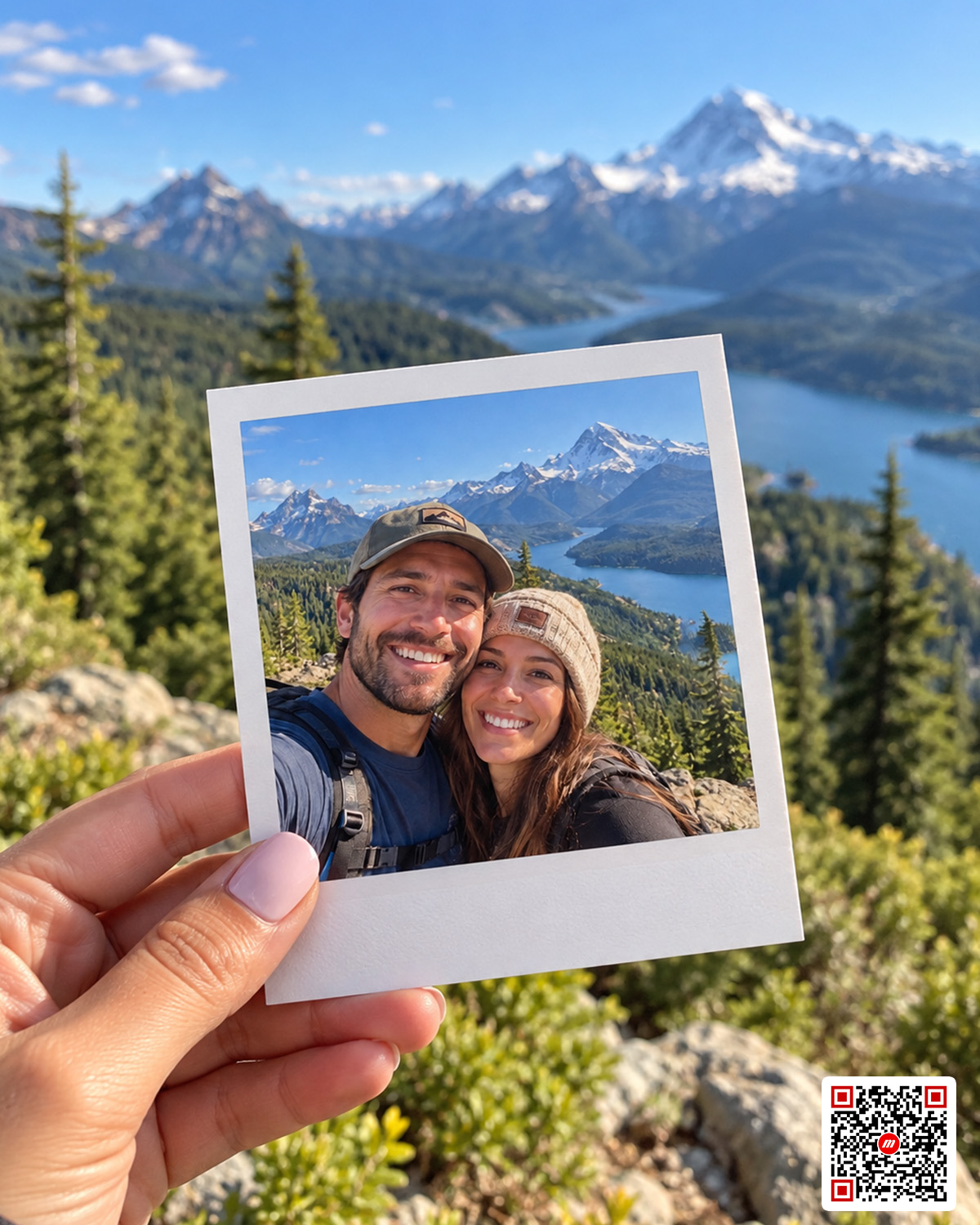
Connect the video behind a moment to the photograph that captured it.
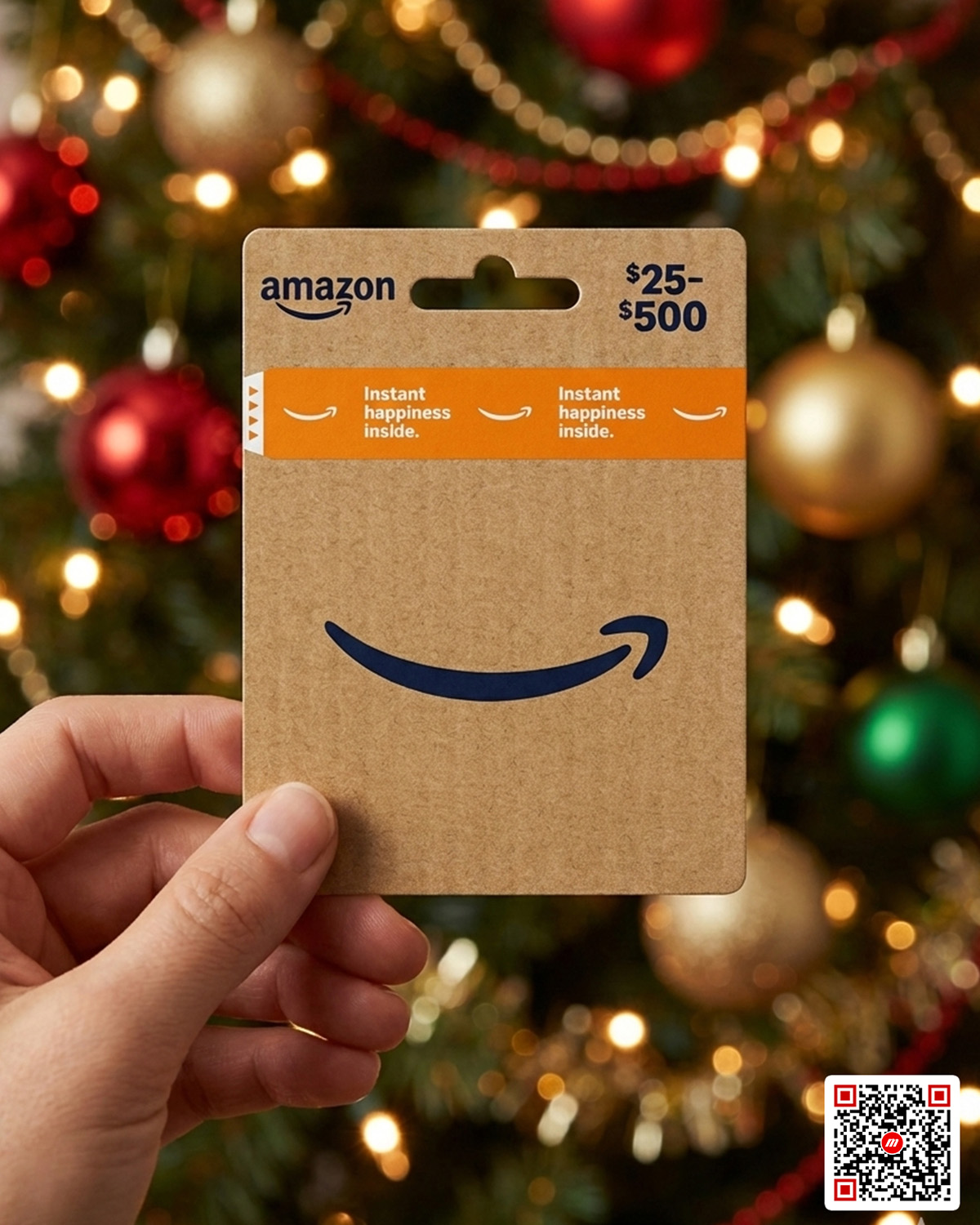
Hide a personal video message inside a gift and turn the object itself into part of the surprise.
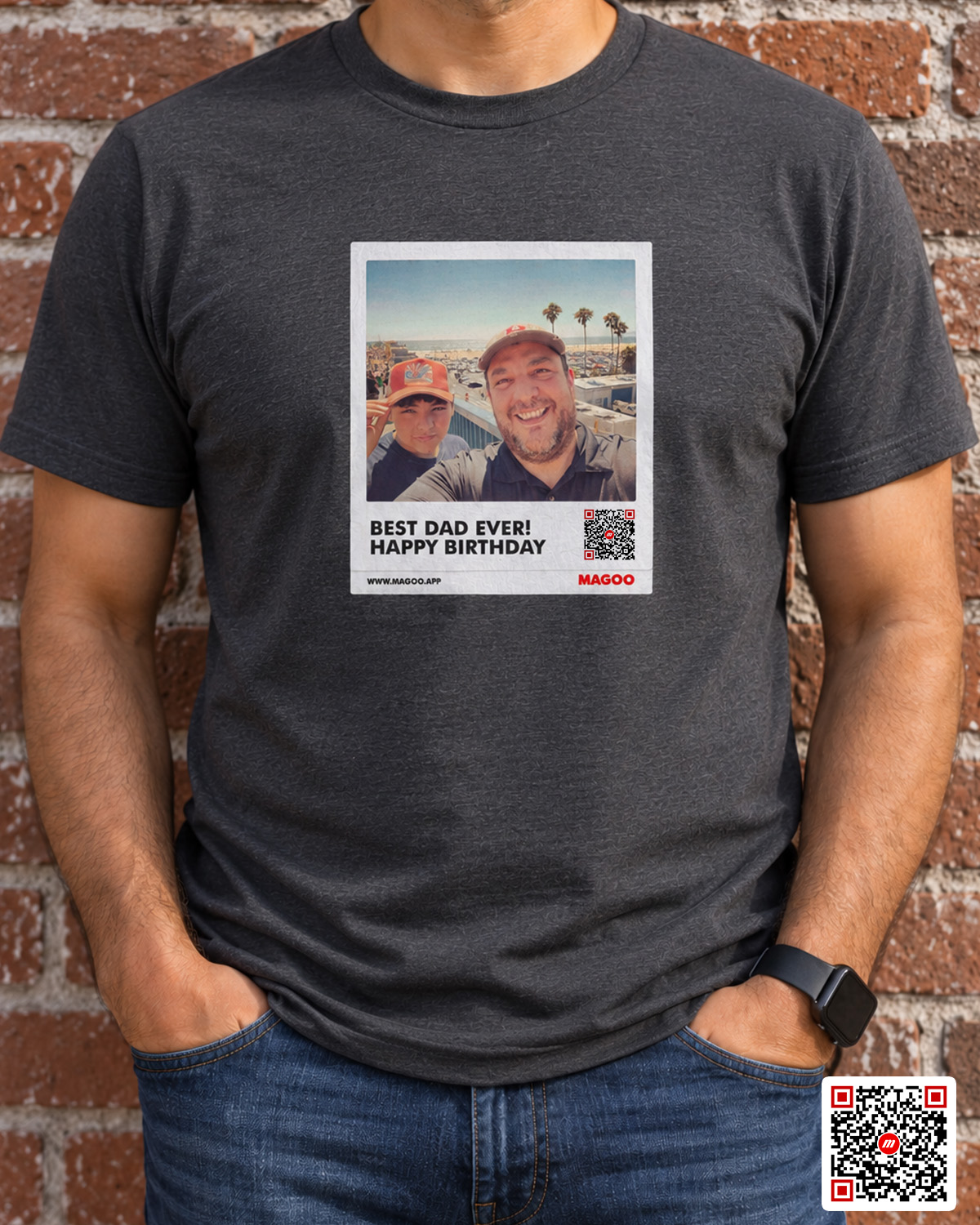
Turn printed designs into interactive experiences connected to video and digital content.
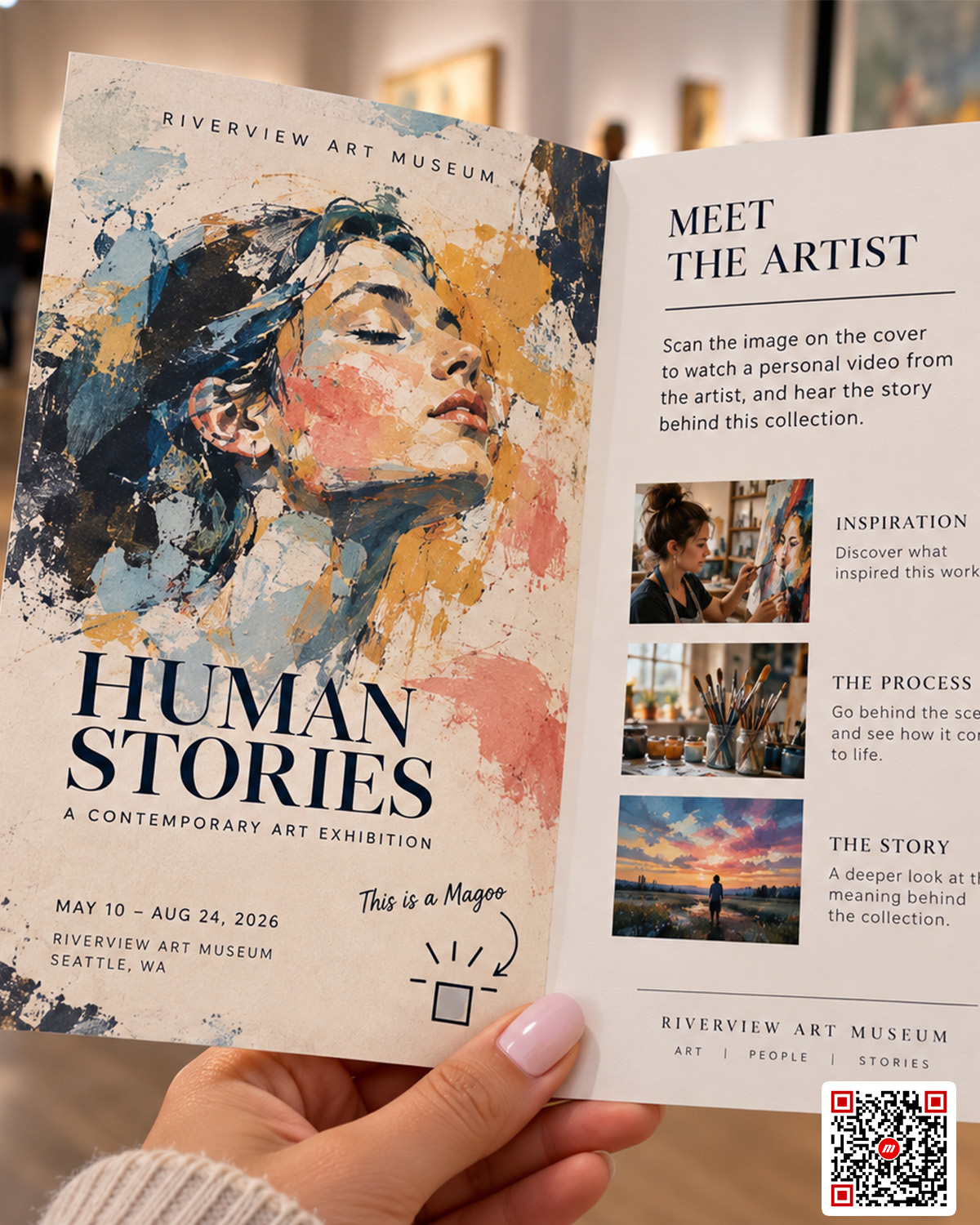
Bring invitations, save-the-dates, photographs, keepsakes and event materials to life.
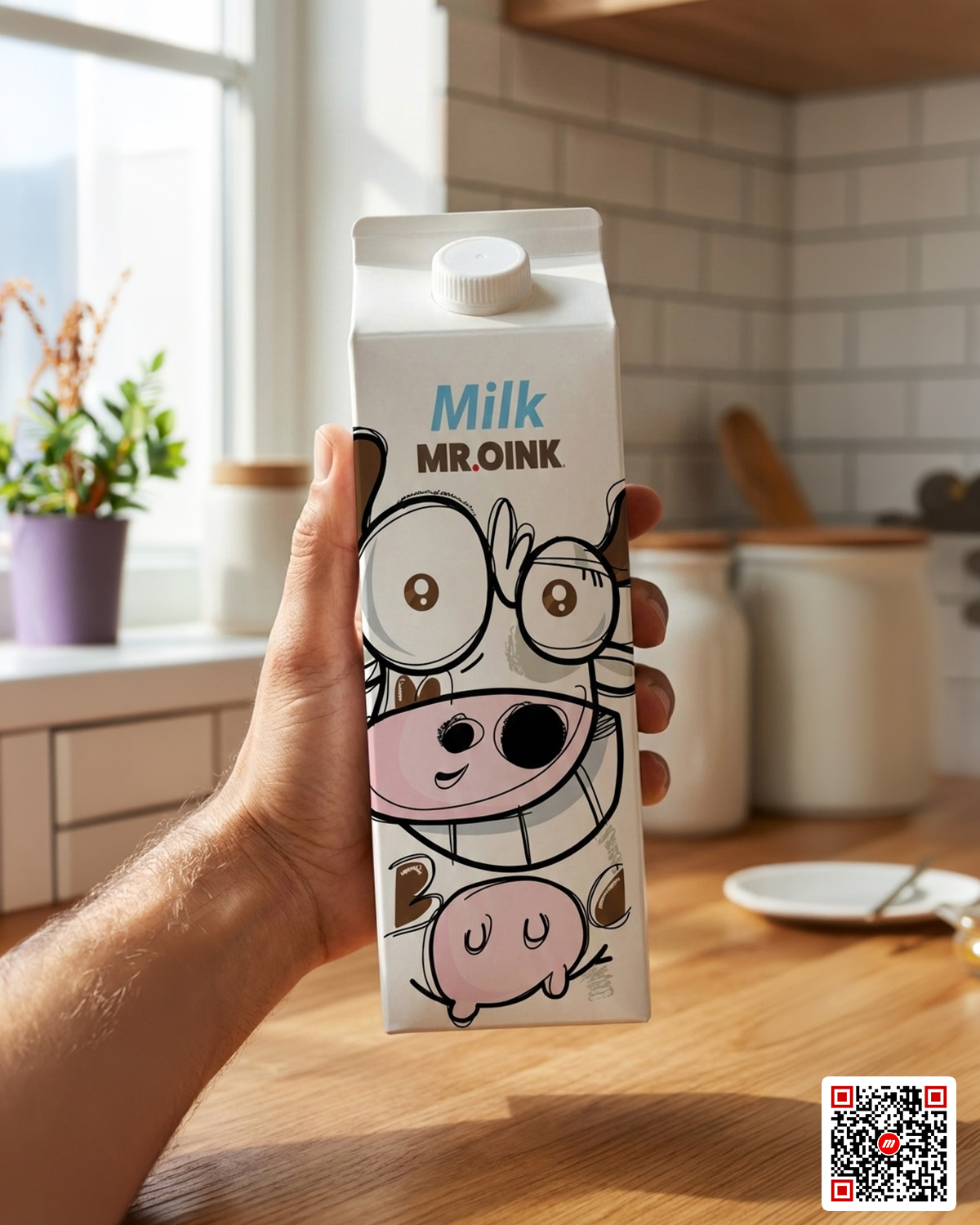
Connect product packaging, printed materials, displays and promotional pieces with digital experiences.
If there's an image, there's an opportunity to create a Magoo.
One image can have multiple Magoos. Different people can connect their own videos, memories and perspectives to the same image.
A family photograph, for example, doesn't have to contain only one person's memory. Different family members can create their own Magoos using that same photograph.
You're in control. Make your Magoo discoverable so anyone who scans the image can find it, or keep it private and share it only with the people you choose.
One image. Multiple people. Multiple Magoos.
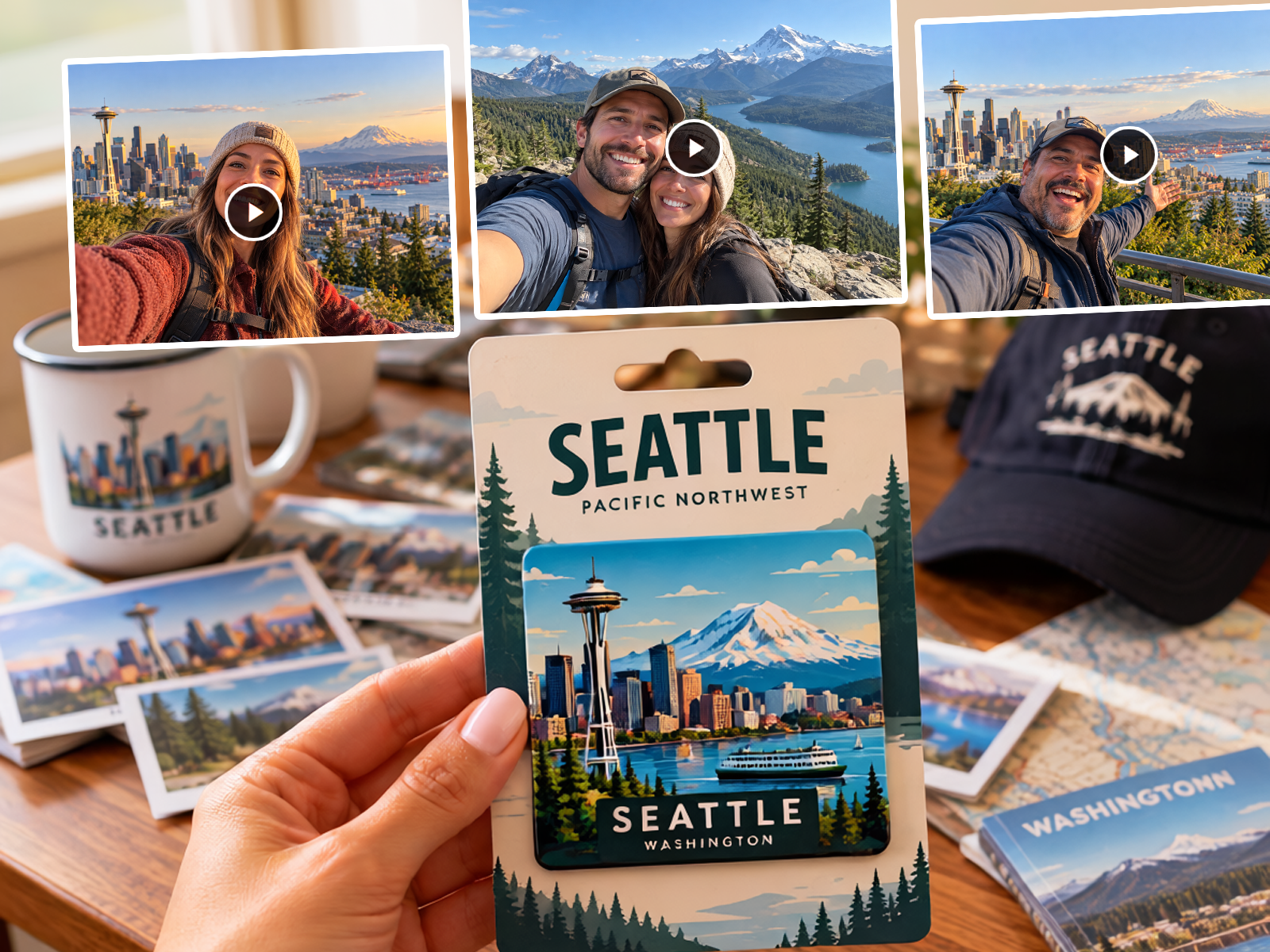
A physical product may last for years. The story connected to it doesn't have to stay frozen in time.
After creating a Magoo, you can continue editing it.
You can also change its image when you need to.
Magoo automatically creates a QR code for your experience. People can reach a Magoo through its image, QR code or shared link.
Turn your image into a physical product while keeping the experience connected.
And Magoo doesn't stop at the scan.
Keep it private
Create an experience intended only for the people you choose to share it with.
Make it discoverable
Share your Magoo publicly so other people can find it and experience it through Magoo.
Discover Magoos
Search and explore Magoos instead of relying only on a physical scan.
Interact
Share and interact with experiences created by other people.